Control panel
User Management Page
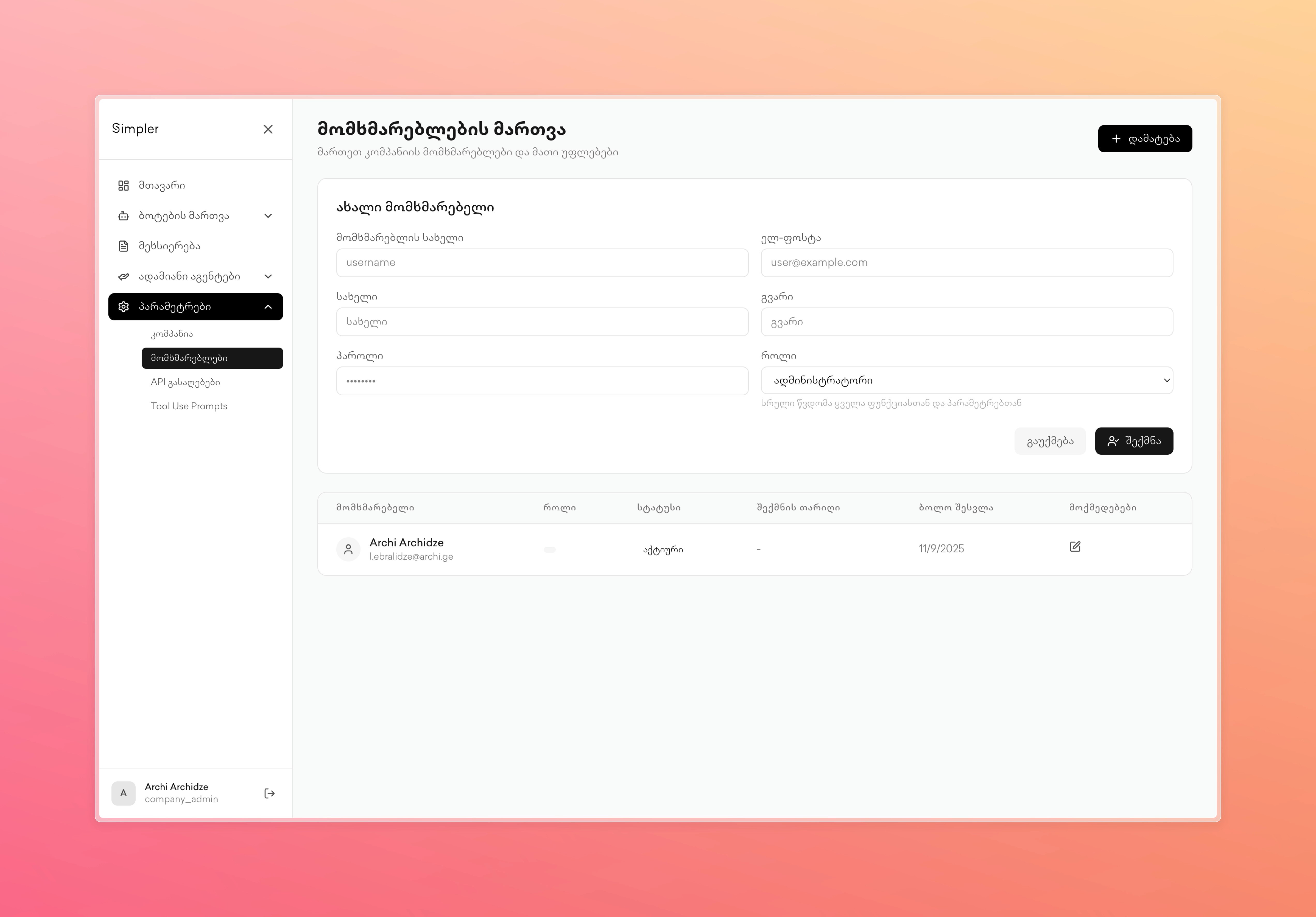
User Management Page manages user accounts for your company's Simpler dashboard. The top section allows you to add new users by entering their username, email, first name, last name, and selecting their role from a dropdown list. After filling in the details, click the Create button to create the account. Below this, you will find a table listing all existing users by their name, email, status, role, creation date, and editing options. This page allows administrators to control who has access to the dashboard and what permissions they have based on their assigned roles.
Contact us on Whatsapp at +995 599 100 987
or via email: info@simpler.ge